Know what is on every shelf, in every warehouse
Products, units and prices, stock in each warehouse, transfers between locations and counts your team does on their phones. Every change is recorded and explained.
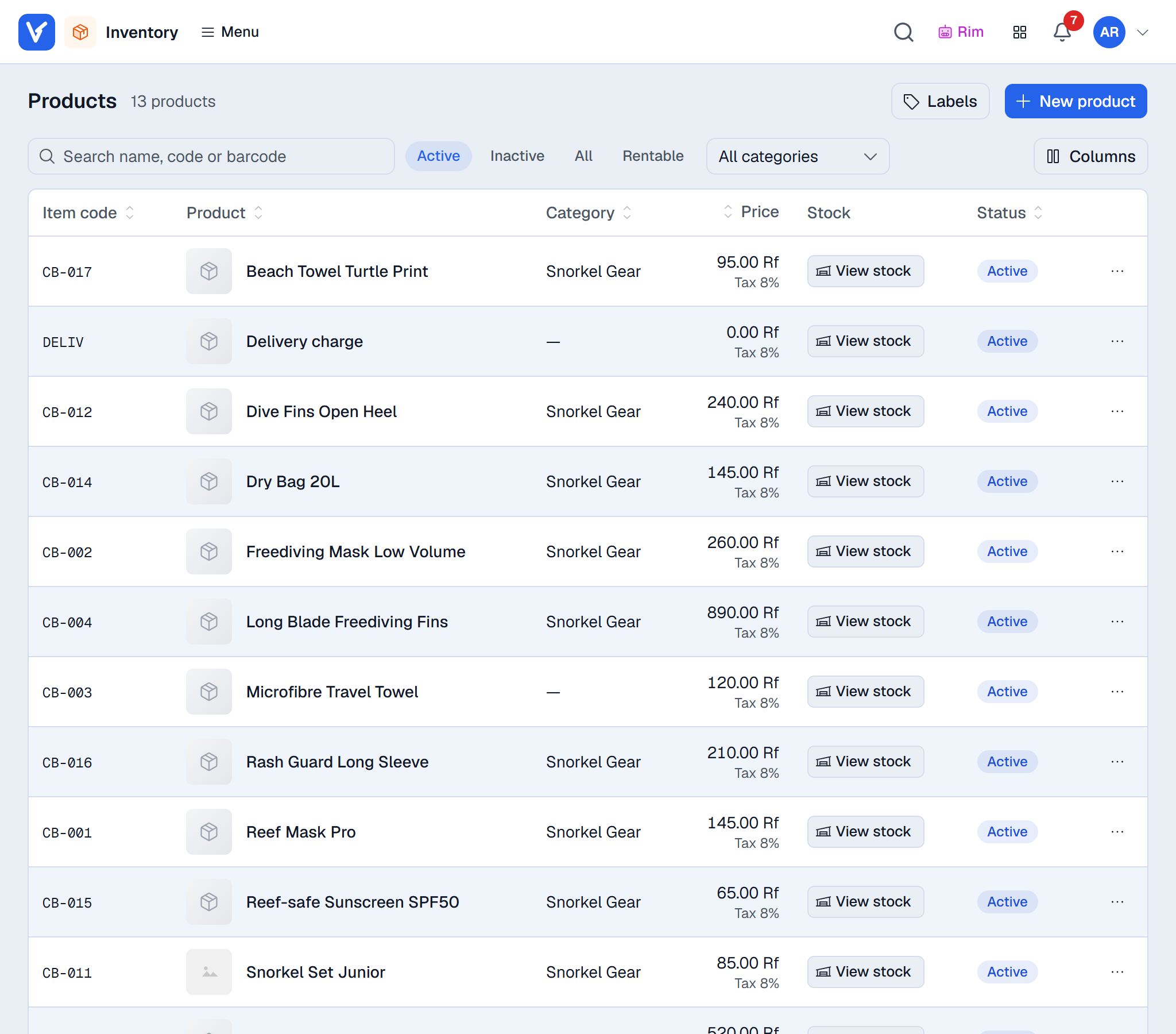
What Inventory does
for your business
- 01
Transfer requests
A store asks for stock, the warehouse fulfils it, and both sides see what was sent and what is still open.
- 02
Stock counts that hold up
Split a count between counters or have two people count the same shelf. Counters never see the expected figure, and a reviewer approves the result.
- 03
Units the way you buy and sell
Buy in cases, sell in pieces or dozens. Prices and stock follow the unit, and each person’s usual unit is remembered.
- 04
Adjustments with approval
Every change to stock or cost goes through an adjustment with a reason, and large ones wait for approval.
- 05
Exact cost without SAP
Companies without SAP get a stock ledger with a moving average cost per item, so margins are real.
- 06
Labels and barcodes
Print shelf and product labels on roll printers or sheets, with the price from the list you choose.
Inventory
questions
Can each store see only its own warehouses?
Yes. You choose which warehouses each location and each part of Voltix may use, so a cashier only ever picks from the right ones.
Does it work with SAP Business One warehouses?
Yes. On SAP companies, stock documents post to SAP first and SAP keeps the quantities.
Can we sell while a count is running?
Yes. Differences are always measured against the live stock, so sales during a count do not distort the result.
Works well with
See Voltix with your own products
Tell us how you sell today. We walk you through Voltix on the screens your team would use.