From quotation to paid invoice, in one place
The back office side of selling. Quote, confirm, deliver, invoice and take returns on the same documents your tills use, with approvals where you need them.
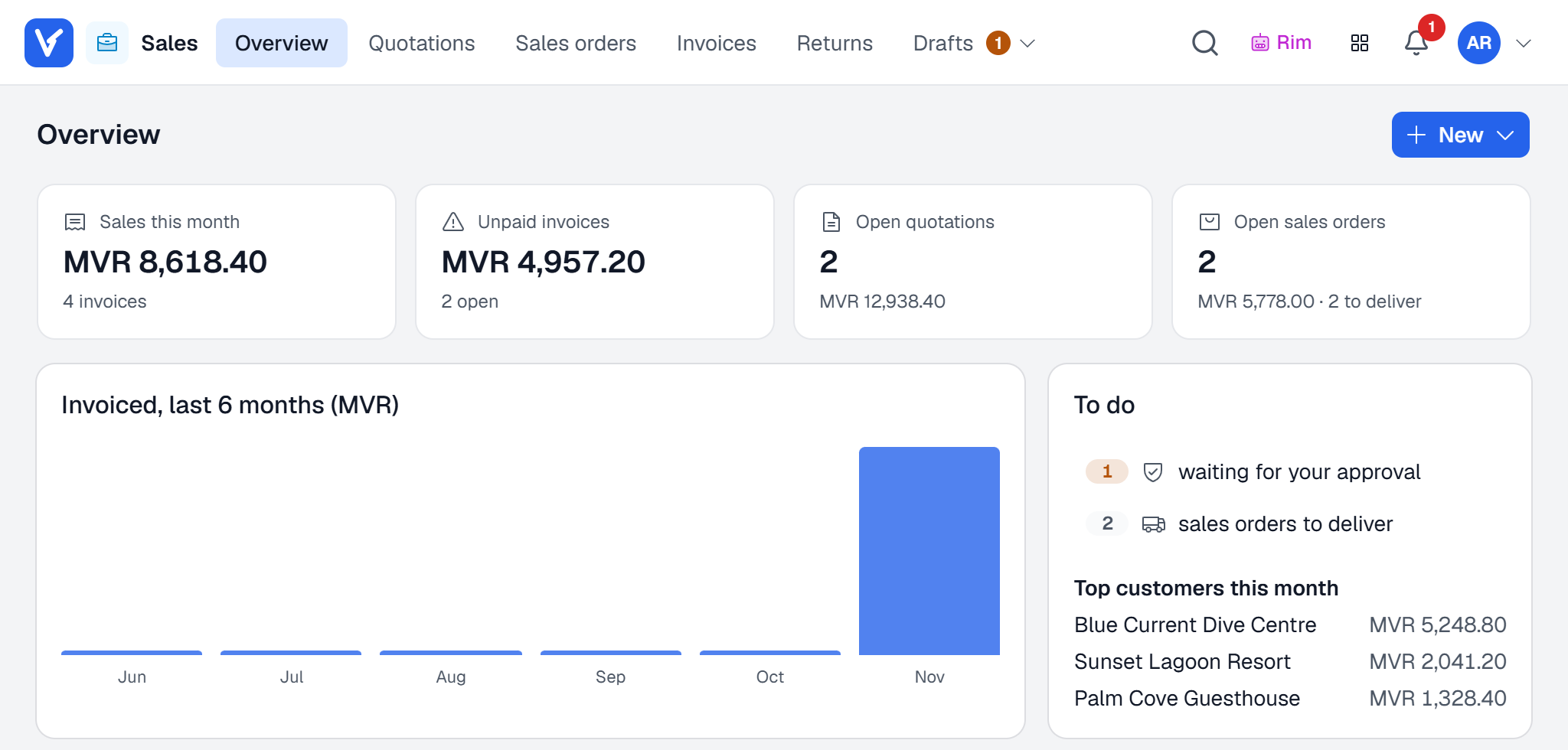
What Sales does
for your business
- 01
One document flow
A quotation becomes a sales order, a delivery note and an invoice without typing anything twice. Every document shows where it came from.
- 02
Approvals and credit control
Discounts above a user’s limit or a customer over their credit wait for an approver, who gets a notice straight away.
- 03
Email with the PDF attached
Send any document from your own Microsoft 365 mailbox, with the PDF in A4 or A5 and any extra files.
- 04
Rim reads your inbox
Rim, the Voltix assistant, reads requests that arrive by email and prepares a draft quotation with the customer and items matched for you to check.
- 05
Returns your way
Take returns as a negative invoice or as a credit memo with a refund, depending on how your company works.
- 06
Profiles per team
Each sales team keeps its own numbering, price list, warehouse and payment methods.
Sales
questions
Does Rim send anything to customers by itself?
No. Rim prepares drafts. A person checks, saves and sends every document.
Can I sell in other currencies?
Yes, in any currency your company adds. Documents can be in the customer’s currency, and Voltix keeps the MVR amount with the exchange rate used on the day.
Do sales documents go to SAP Business One?
On a company connected to SAP, invoices are posted to SAP first, and nothing is saved in Voltix if SAP refuses the document.
Works well with
See Voltix with your own products
Tell us how you sell today. We walk you through Voltix on the screens your team would use.