Wholesale terminals
The table layout for larger orders: item codes, warehouses, units, line discounts and batches on every line.
A wholesale terminal shows the order as a full-width table instead of tiles. Your administrator chooses the layout per terminal. Payment, quotations, sales orders, returns and closing work exactly as on a retail terminal.
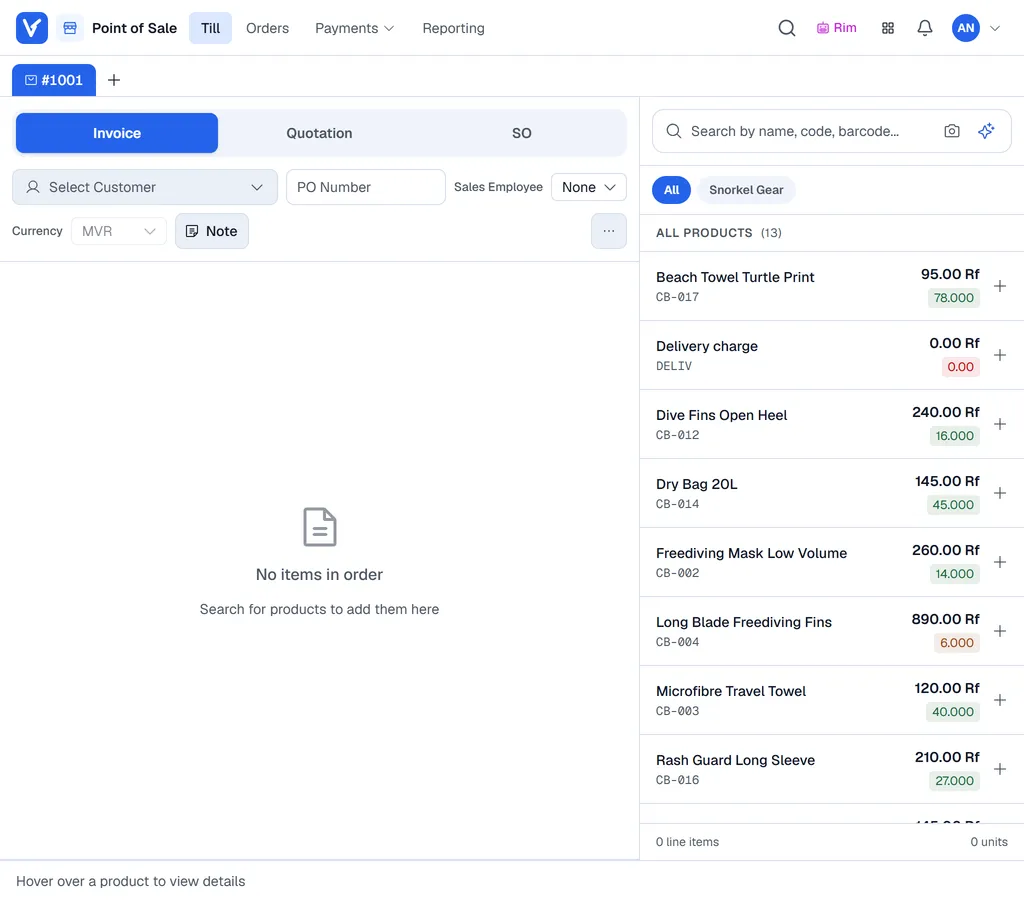
The order table
| Column | What it shows |
|---|---|
| Item Code and Product | The item. |
| WH | The warehouse the line is taken from. |
| Stock | The quantity available in that warehouse. |
| Qty and UOM | Quantity and unit of measure. |
| Unit Price | The price per unit. |
| Disc % and Disc Amt | A discount on this line, as a percentage or an amount. Above your limit, Voltix asks whether a manager should approve it (Manager override); see Discounts, prices and notes. |
| Batch/S.No | Batches or serial numbers, when your company tracks them. |
| Subtotal | The line total. |
Add products
Click the search icon (or press Ctrl+S) to open the product search panel, then search by name, code or barcode and click a product to add it. You can also just start typing anywhere outside a field: the search panel opens with what you typed.
Click the camera icon to scan a barcode with the device's camera.
Document type, customer and PO
At the top of the order, choose Invoice, Quotation or SO, click Select Customer and type in Search customers... to pick the customer, and type the customer's PO Number if they gave one. See Quotations and sales orders.
On a phone the product search fills the screen and the order sits in a sheet: tap the Order bar at the bottom to pull it up. Each line is a card with - and +, the unit, Disc %, the price (tap it to change it) and, for batch or serial items, the batch button. Tap the warehouse code under the name to see the stock per warehouse. Pay in the bar takes the payment (Save for a quotation or sales order); the terminal stays a wholesale terminal.
Shortcuts
| Keys | Action |
|---|---|
| Ctrl+S | Open the product search panel. |
| Ctrl+D | Order discount. |
| Ctrl+N | Note. |
| Ctrl+A | Attachments (when your company stores attachments). |
| Ctrl+Space | The main button: Payment, or Save and Print for a quotation or sales order. |