Questions and problems
Answers to the questions people ask most about Timesheets.
I cannot see the Timesheets app
Your user needs Timesheets switched on under App access (this company) in Settings → Users. If nobody in your company sees it, ask your Voltix contact to switch the app on.
"Your sign-in is not linked to an employee"
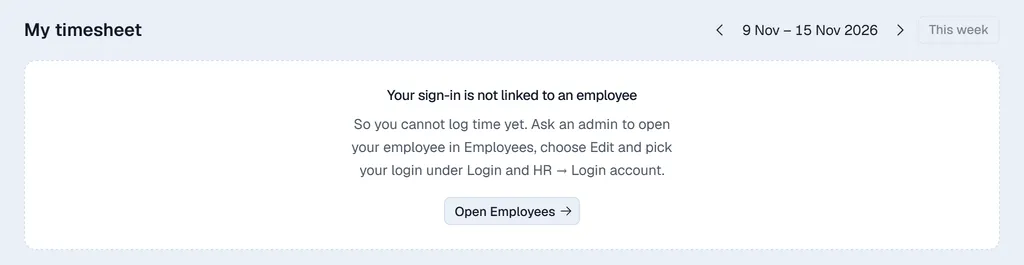
Hours belong to employees. Ask an administrator to open your record in Employees, click Edit and pick your user under Login account (in the Login and HR part), then Save changes. See Setting up Timesheets.
The task I want is not in the search
The search only offers tasks that are not private and whose project is not archived. Check the task in Projects.
My new row disappeared
A row you added only stays once it has hours. Add it again and enter the hours before you leave the week.
I cannot change a cell
Either the hours are approved (ask a manager to Unlock the week), or several entries were logged for that task on that day and the grid only shows their total. See Logging your hours.
There is no Submit week button
Either your company does not use weekly approval (nothing to submit), or every entry of the week is already submitted or approved.
I changed hours after submitting and the week says Draft again
That is expected: a changed entry goes back to draft. Click Submit week again.
My week was rejected. Why?
Rejecting does not record a reason. Ask the manager who rejected it, correct the hours and submit again.
I do not see Approvals
It is only for managers and administrators, and only when Require weekly approval is on in Settings → Timesheets.
My timer was lost
The task timer only runs while the task is open, and nothing is saved until you click Log time. If you close the task, start again or type the hours yourself.