How Settings is organised
Settings is where administrators set up the company, its people and its rules. This page shows how the screen is laid out and where to find each part.
Open Settings
Open Settings from the apps screen. You need Settings switched on under App access (see Users and access). Most sections can only be changed by managers and administrators; some, such as permission groups and integrations, only by administrators.
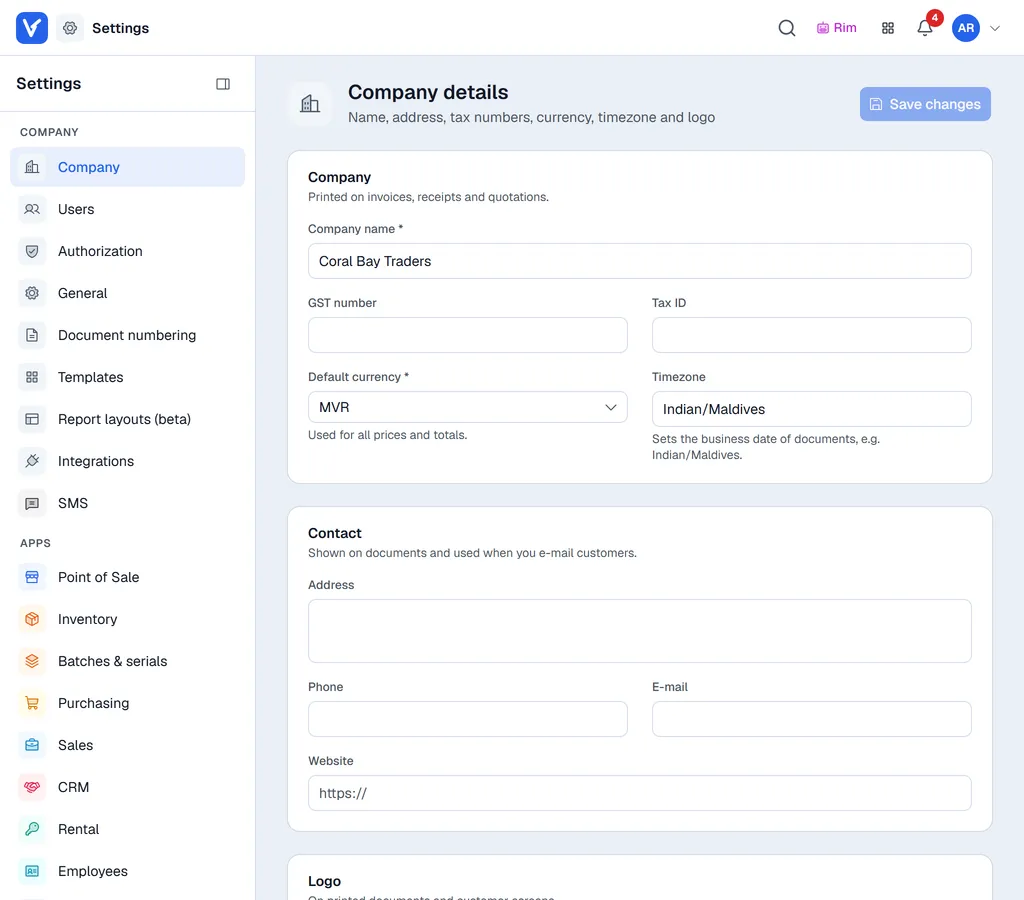
The sidebar
The sidebar on the left has two groups:
| Group | Holds |
|---|---|
| Company | Settings that apply everywhere: Company, Users, Authorization, General, Document numbering, Templates, Report layouts (beta), Integrations, Home page (administrators only) and SMS. |
| Apps | One entry per app your company uses, for example Point of Sale, Inventory or Sales. An app's entry only appears when the app is switched on. See Settings for each app. |
Click an entry to open it. Each section starts with a header that says what it holds. Sections with several topics show them as tabs under the header, for example General has Currencies, Partner groups, Exchange rates, Tax groups, Banks and Locations.
Collapse the sidebar
Click the panel button next to the word Settings at the top of the sidebar (Collapse menu) to shrink it to a narrow row of icons and give the page more room. Point at an icon to see its name. Click the button again (Expand menu) to bring the names back. Your browser remembers the choice.
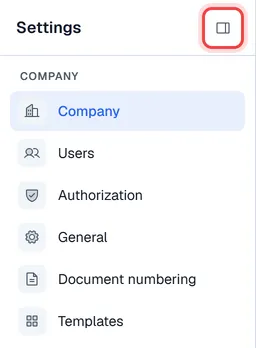
On a phone or small tablet the sidebar is hidden: tap Sections at the top of the page to open it.
How changes are saved
- Forms have a Save button, either in the page header (for example Save changes on Company details) or at the bottom of the card it saves.
- Switches that apply at once say so in their card.
- Lists such as tax groups or locations save each row when you click Save in its dialog.
The sections
| Page | Covers |
|---|---|
| Company details | Name, tax numbers, currency, timezone, contact details and logo. |
| Users and access | Users, app access, permission groups, discount limits, locations. |
| General | Currencies, exchange rates, partner groups, tax groups, banks and locations. |
| Document numbering | Number series for company-wide documents. |
| Document templates | The layout of printed documents. |
| Integrations | The SAP Business One or QuickBooks Desktop connection. |
| Home page | Which blocks each role sees on the home page, and in what order. |
| Settings for each app | Where each app's own settings are explained. |